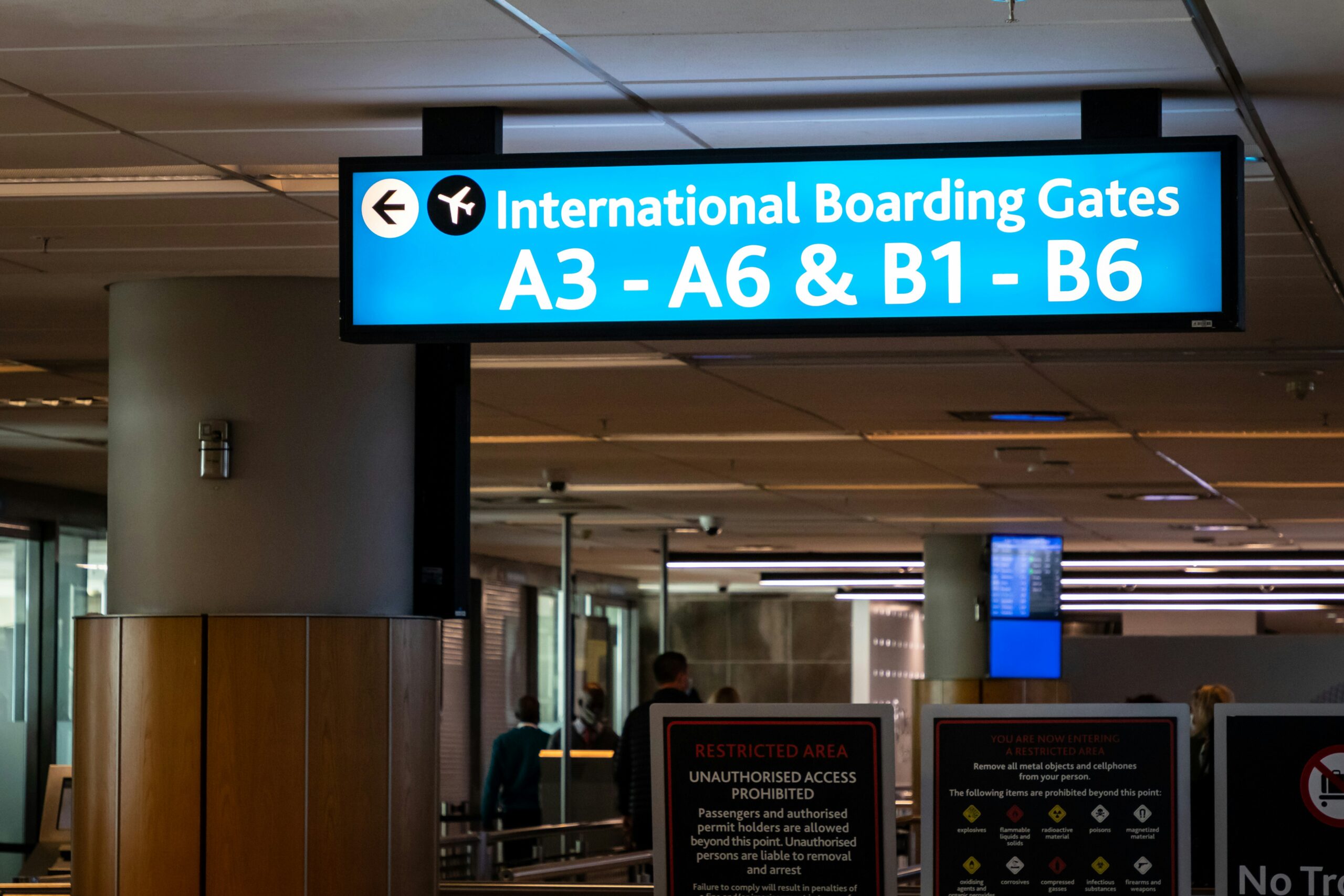
The excitement of an upcoming trip can sometimes be overshadowed by the logistical hurdles of travel. Alaska Airlines, like many carriers, has embraced digital solutions to streamline your journey, and the digital boarding pass is at the forefront of this effort. Understanding the rules and best practices for using your digital boarding pass will ensure a smooth transition from check-in to your seat. This guide will walk you through everything you need to know, from how to obtain it to what to do if technology falters.
Obtaining Your Digital Boarding Pass
The primary gateway to your digital boarding pass is through the Alaska Airlines mobile app or their website. This digital document serves as your official entry to the boarding area and the aircraft. Familiarizing yourself with the process for securing it is the first step in a seamless travel experience.
The Alaska Airlines Mobile App: Your Pocket Travel Companion
The most convenient method for acquiring your digital boarding pass is undoubtedly the Alaska Airlines mobile app. Available for both iOS and Android devices, this app is designed to be your comprehensive travel resource. Upon checking in, your boarding pass will be automatically generated and can be found within the app’s dedicated “Boarding Passes” section.
- Download and Installation: Before your travel day, ensure you have downloaded the latest version of the Alaska Airlines app from your respective app store. Searching for “Alaska Airlines” will lead you directly to the official application.
- Check-in Process: When your check-in window opens, typically 24 hours before your scheduled departure, you’ll be prompted to check in directly through the app. This involves confirming your personal details and any baggage requirements. Once completed, your digital boarding pass is generated.
- Saving for Offline Access: A crucial feature of the app is the ability to save your boarding pass for offline access. This is vital for situations where you might have limited or no cellular service, such as during your flight or in areas with poor reception. You’ll find an option to “Add to Wallet” or “Save to Device,” which stores a digital replica of your boarding pass.
- Multiple Passengers: If you are traveling with others on the same reservation, the app usually allows you to view and manage boarding passes for all members of your party. This keeps all necessary documents in one readily accessible location.
Alaska Airlines Website: A Web-Based Alternative
For those who prefer not to download an app or are using a computer, Alaska Airlines’ website offers an equally valid method for obtaining your digital boarding pass. The online check-in process mirrors that of the app, providing a digital document that you can then print or save.
- Accessing Your Reservation: Navigate to the Alaska Airlines website and locate the “Check-In” section. You will need your confirmation code or your Mileage Plan number and last name to access your flight details.
- Completing Online Check-in: The website will guide you through the check-in steps, similar to the app. This includes confirming passenger information and any gate changes.
- Download or Email Option: After successful check-in, you will typically be presented with an option to download your boarding pass as a PDF file. You can also choose to have it emailed to yourself.
- Printing Considerations: If you choose to download the PDF, you have the option to print it. While this is a valid alternative to a purely digital pass, remember that printing is not always convenient when you are away from home.
Alaska Airlines has implemented digital-only boarding pass rules to streamline the boarding process and enhance the travel experience for passengers. For more information on this topic, you can refer to a related article that discusses various aspects of digital boarding passes and their impact on air travel. To read more, visit this article.
Understanding the Digital Boarding Pass Information
Your digital boarding pass is more than just a code; it contains all the essential information you need to navigate the airport and board your flight. Understanding what each section signifies will prevent confusion and expedite your boarding process.
Key Elements of Your Digital Boarding Pass
Every digital boarding pass will present a consistent set of data, designed for clarity and efficiency.
- Passenger Name: This is your full name as it appears on your government-issued identification. It is imperative that this matches exactly to avoid any issues at security or the gate.
- Flight Number and Date: Clearly indicates the specific flight you are booked on and the date of travel. Double-checking this ensures you are on the correct flight.
- Departure and Arrival Airports: Displays the IATA codes for your origin and destination. The full airport names are also typically listed.
- Boarding Time and Gate Number: This is a critical element. The boarding time is when passengers begin to be allowed to board the aircraft, usually divided into groups. The gate number indicates where you need to proceed. Be aware that gate assignments can change, so monitoring airport screens or app notifications is advisable.
- Seat Assignment: Your assigned seat number and section of the aircraft (e.g., Aisle, Window).
- Confirmation Code/Record Locator: A unique alphanumeric code used to identify your reservation.
- Boarding Zone/Group: Airlines divide passengers into boarding zones or groups to manage the boarding process more efficiently. Your group number will be clearly displayed and dictates when you can board.
- Barcode/QR Code: This is the scannable element that authorizes your entry to the gate and onto the aircraft. It contains all the necessary flight information for the airline’s systems.
The Evolving Nature of Gate Information
While your initial digital boarding pass might show a gate number, it is paramount to remember that this is subject to change. Airport operations, aircraft swaps, and air traffic control can all influence gate assignments.
- Real-time Updates: The Alaska Airlines app and airport departure screens are your primary resources for real-time gate updates. Make it a habit to check these frequently as you approach your boarding time.
- Notification Settings: Ensure your push notification settings are enabled for the Alaska Airlines app. This will alert you to any significant changes, including gate changes.
- Gate Agent Announcements: Pay attention to announcements made by gate agents at the departure gate. They will provide the most up-to-date information.
Navigating Airport Security with Your Digital Boarding Pass
The Transportation Security Administration (TSA) has fully embraced digital boarding passes. The process for clearing security with a digital pass is generally straightforward, but a few points require your attention.
Scanning Your Digital Boarding Pass at Security
At the TSA security checkpoint, you will be asked to present your boarding pass. This is where the scannable barcode or QR code comes into play.
- Displaying Your Pass: Have your digital boarding pass clearly displayed on your mobile device or printed document. Ensure the screen is bright enough to be read easily.
- The Scanner: The TSA officer will scan the barcode or QR code with their handheld scanner or direct you to place your device on a scanner.
- Identification: You will also need to present your government-issued identification alongside your boarding pass. Both must match the information on your ticket.
- Troubleshooting: If your barcode or QR code does not scan, the TSA officer will likely verify your information manually. Remaining calm and cooperative will help expedite this process.
Common Questions at Security
While the process is standardized, some travelers have recurring questions regarding their digital boarding passes at security.
- “Do I need to print it if it doesn’t scan?” While it’s always a good backup, if it doesn’t scan, the TSA officer can usually look up your boarding information manually. However, having a printed copy can save time and reduce stress.
- “Can I use a screenshot?” Generally, a screenshot is not ideal. Airlines and the TSA prefer a clear, live display directly from an app or a PDF to ensure the integrity of the barcode. Some systems might be able to read a clear screenshot, but it’s not the recommended method.
- “What if my phone battery dies?” This is precisely why having a backup is advised. If your phone dies and you don’t have a printed copy, you will need to find an Alaska Airlines agent or an airport information desk to obtain a physical boarding pass.
Boarding the Aircraft: The Final Step
The gate is your final checkpoint before boarding. Here, your digital boarding pass is scanned again, and you will be directed to board the aircraft according to your assigned group or zone.
Presenting Your Pass at the Gate
The process at the gate is similar to security, with an airline agent scanning your digital boarding pass to confirm your entitlement to board.
- Proceed to Your Gate: Once you have cleared security, make your way to the designated departure gate. Monitor the screens for any last-minute changes.
- Boarding Group Announcements: Listen for announcements regarding boarding groups. Alaska Airlines, like most carriers, calls passengers in specific zones to manage the flow onto the plane.
- Scanning at the Gate: Have your digital boarding pass ready to be scanned by the gate agent. Ensure it is readily accessible on your device.
- Final Verification: The agent will scan your pass and may verify your name against your identification.
What to Do if Your Digital Pass Isn’t Working at the Gate
Technology can sometimes be unpredictable. If your digital boarding pass encounters issues at the gate, remain composed and seek assistance.
- Seek Gate Agent Assistance: The primary course of action is to speak with a gate agent immediately. Explain the issue you are experiencing with your digital boarding pass.
- Alternative Options: They will have the ability to look up your reservation and issue a printed boarding pass or re-issue a digital one to your device if possible.
- Have Identification Ready: Ensure you have your government-issued identification readily available, as this will be crucial for them to locate your reservation.
- Consider a Printed Backup: This situation underscores the value of having a printed boarding pass as a backup, especially if you’ve encountered previous digital issues.
Alaska Airlines has implemented digital-only boarding pass rules to streamline the travel experience for passengers, making it easier to board flights without the need for physical documents. For those interested in learning more about how digital advancements are transforming air travel, a related article can be found at Explore Senior Health, which discusses the benefits and challenges of adopting technology in various sectors, including aviation. This shift not only enhances convenience but also aligns with the growing trend of reducing paper waste in the industry.
Alternatives and Contingency Plans
While digital boarding passes are the preferred method, Alaska Airlines provides alternatives for those who encounter technological difficulties or have specific preferences.
The Importance of a Printed Boarding Pass
Despite the shift towards digital, a printed boarding pass remains a valid and often useful alternative.
- Printing at Home: As mentioned earlier, if you check in online, you can often download your boarding pass as a PDF and print it at home or at a hotel business center.
- Airport Kiosks: Alaska Airlines operates self-service kiosks at most airports. You can use your confirmation code or Mileage Plan number to retrieve and print your boarding pass at these machines.
- Check-in Counter: Though less efficient, you can always visit the Alaska Airlines check-in counter to obtain a printed boarding pass. Be prepared for potential wait times, especially during peak travel periods.
- Security and Boarding Assurance: A printed boarding pass offers a tangible backup if your phone battery dies, your device malfunctions, or you experience connectivity issues.
When to Seek Assistance from Alaska Airlines Staff
There are several scenarios where proactively seeking help from airline staff is the best course of action.
- Technical Glitches with the App: If the Alaska Airlines app is not functioning correctly, preventing you from checking in or accessing your boarding pass, report the issue to an airline representative.
- Lost or Stolen Device: If your phone or device containing your digital boarding pass is lost or stolen, proceed to an Alaska Airlines counter or contact customer service immediately to secure a replacement boarding pass.
- Unclear or Unreadable Barcode: If your barcode is damaged or unreadable, even on a printed copy, staff at the gate or check-in counter can assist.
- Traveling with Infants or Special Circumstances: For travelers with infants, unaccompanied minors, or those with specific accessibility needs, consulting with Alaska Airlines staff can ensure all requirements are met and the boarding process is as smooth as possible. They can provide guidance and make necessary arrangements even before you need to present a digital pass.
- Complex Itineraries: If you have a complex itinerary involving multiple flights, layovers, or codeshare partners, seeking clarification or assistance from an Alaska Airlines representative at the airport can prevent potential issues. They can confirm your boarding pass is valid for all segments of your journey.
By understanding these rules and having a clear plan for obtaining and using your digital boarding pass, you can significantly reduce travel stress and focus on enjoying your Alaskan adventure. Remember to stay informed, utilize the available resources, and don’t hesitate to ask for assistance when needed.
FAQs
What is Alaska Airlines’ digital only boarding pass policy?
Alaska Airlines allows passengers to use digital boarding passes on their mobile devices for domestic and international flights. Passengers can check in online and receive their digital boarding pass via email or the Alaska Airlines mobile app.
Are there any requirements for using a digital boarding pass with Alaska Airlines?
Passengers using a digital boarding pass must ensure that their mobile device is fully charged and operational for the duration of their journey. Additionally, the barcode on the digital boarding pass must be visible and scannable at the airport security checkpoint and boarding gate.
Can passengers still request a paper boarding pass if they prefer?
Alaska Airlines encourages passengers to use digital boarding passes, but they can still request a paper boarding pass at the airport check-in counter if they prefer. However, some airports may have specific guidelines regarding paper boarding passes, so passengers should check with the airline or airport staff.
What should passengers do if they encounter issues with their digital boarding pass?
If passengers encounter any issues with their digital boarding pass, such as a malfunctioning mobile device or difficulty scanning the barcode, they should seek assistance from Alaska Airlines staff at the airport. Staff members can provide guidance and assistance to ensure a smooth boarding process.
Are there any specific guidelines for using digital boarding passes for international flights with Alaska Airlines?
For international flights, passengers using digital boarding passes should ensure that their mobile device has access to the internet in case they need to show their boarding pass to immigration or customs officials upon arrival at their destination. Additionally, passengers should check the specific requirements of their destination country regarding digital boarding passes.